Batches
Batch Overview
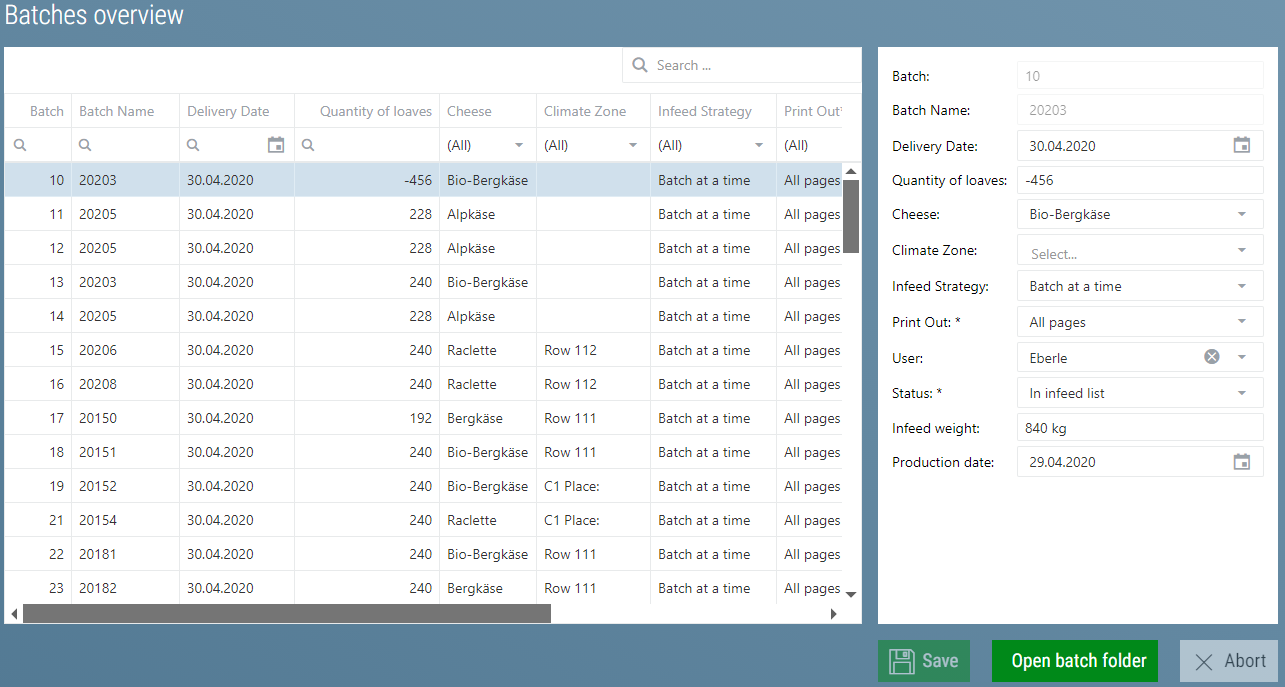
All batches are displayed in the batch overview. It also lists batches that have already been retrieved from storage. They are not deleted until 450 days after retrieval from storage. This is where you can subsequently change the cheese type and the storage weight of a given batch.
Additional Batch Data (optional)
There is a feature to add documents, images or other files to each batch. When the feature is activated, an additional button appears in the batch overview with which you can manage these files for each batch.

Batches Retrieved From Storage
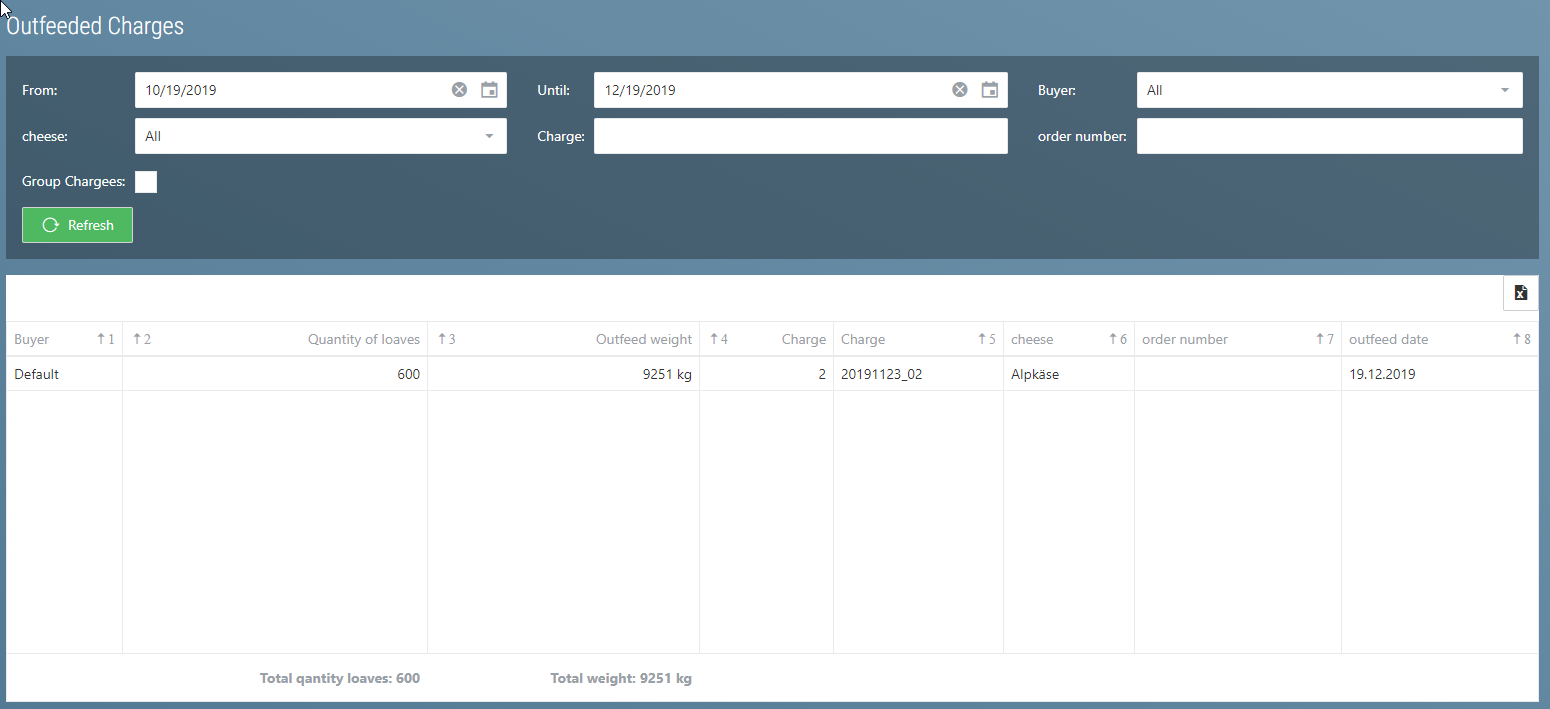
Batches that have already been retrieved are displayed here.