Tables
Existing Entries
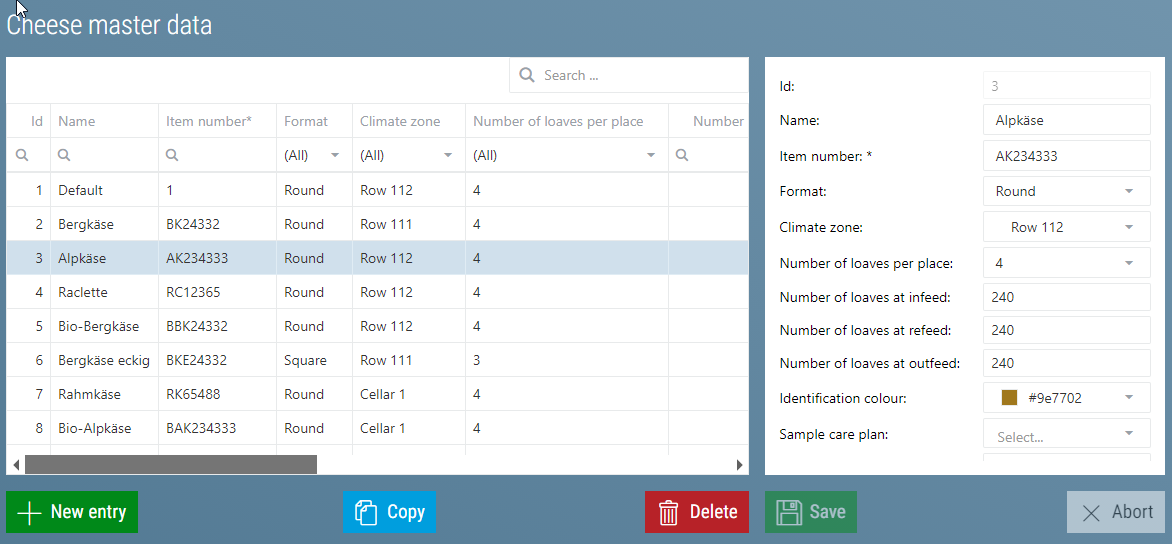
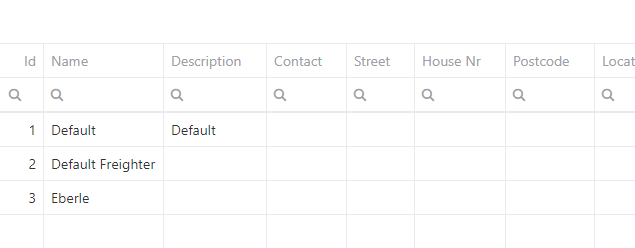 The existing entries are visible on the left side.
Search
Here you can search the entire table with the 'Search...' field in the upper right corner. All entries that do not contain the searched word will be hidden. The searched word is highlighted in each entry:

Additionally it is possible to search separately in each column using the magnifying glass icon.
Caution
Both search types complement each other. Only entries that match both searches are displayed
Filter
In addition to searching, a filter can also be applied to each column. This can vary slightly depending on the data source. The following filters are available:
| Text Column | Date or Numbers | Enumerations |
|---|---|---|
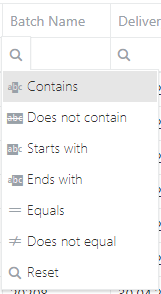 |
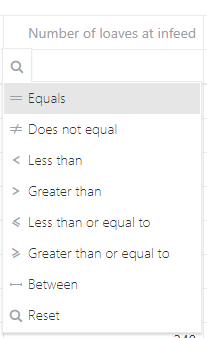 |
For enumerations, the individual elements are displayed as a filter option: 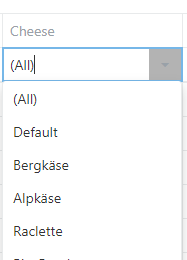 |
Sort
Click on the column header to sort by this column. An arrow appears indicating whether the sorting was in ascending or descending order


Create, Copy, Edit, Delete Entries
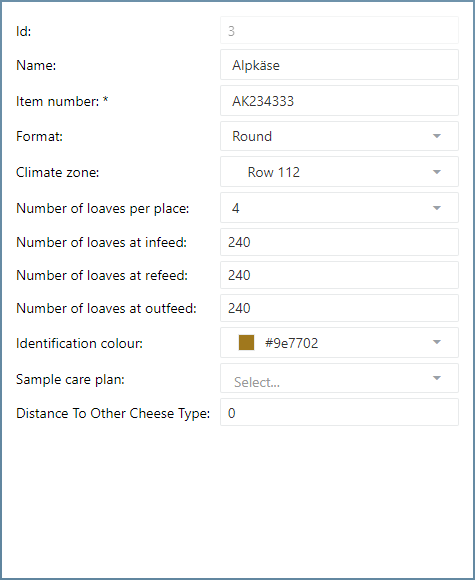
If you click on  the input form on the right side is filled out using the default values.
If you select an existing entry, the input form is filled with the corresponding values of this entry.
Now you can fill in the new entry or edit the existing entry.
Use  to save the changes or the new entry,
  to dismiss the changes or empty the input form.
By using  the selected entry is copied. If you then click on Save, the selected entry is not modified, but instead a new one is created with the same values.
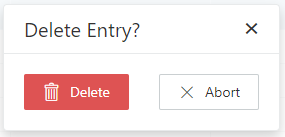
With  the selected entry can be deleted. For safety reasons you will be asked if you really want to delete the selected entry.